
Live Data & Diagnostics
See the live simulator data as it happens. Read braking, cornering and bump forces to fine-tune the motion.
Configure tactile effects without a single line of code, and monitor the performance of every platform in real time.
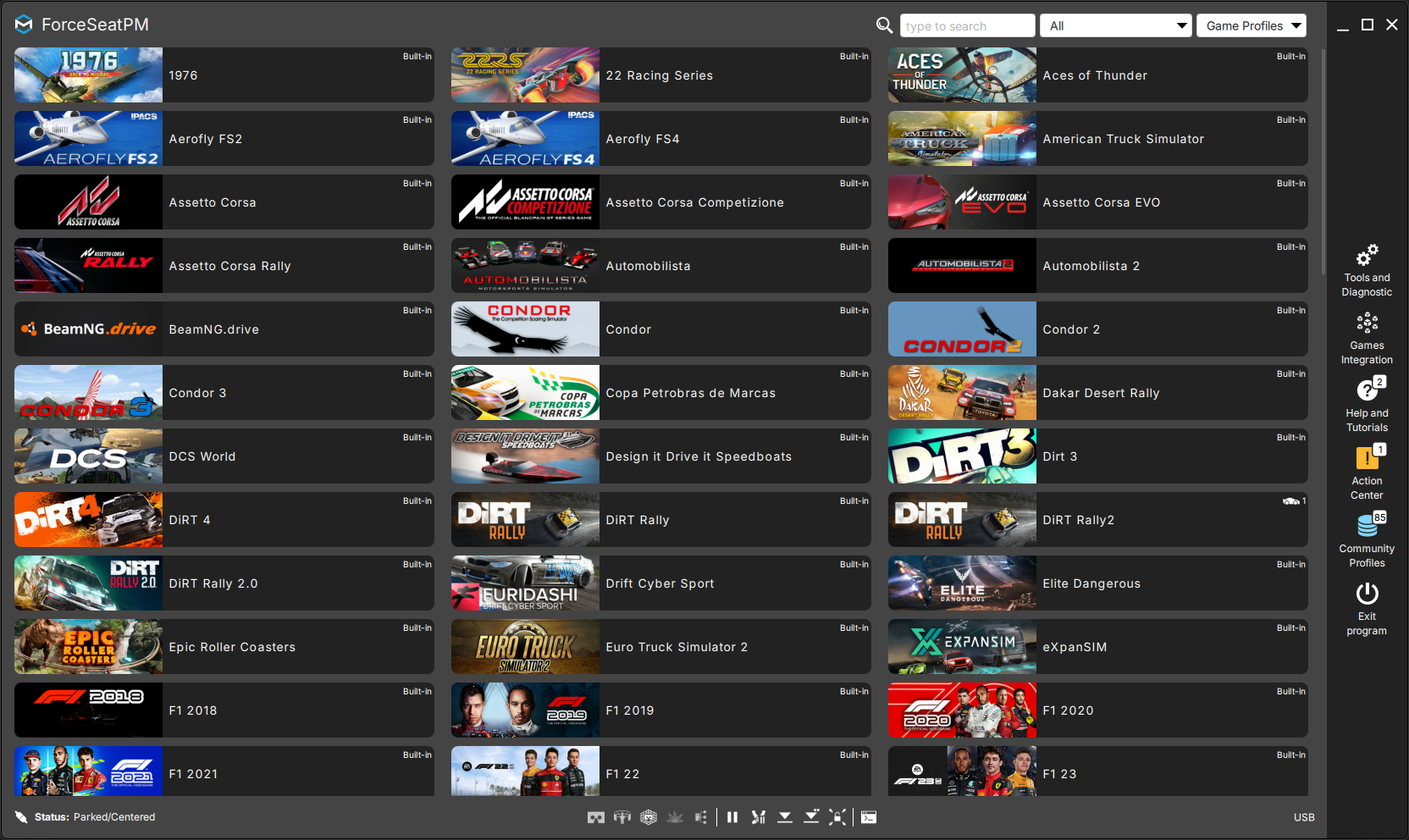
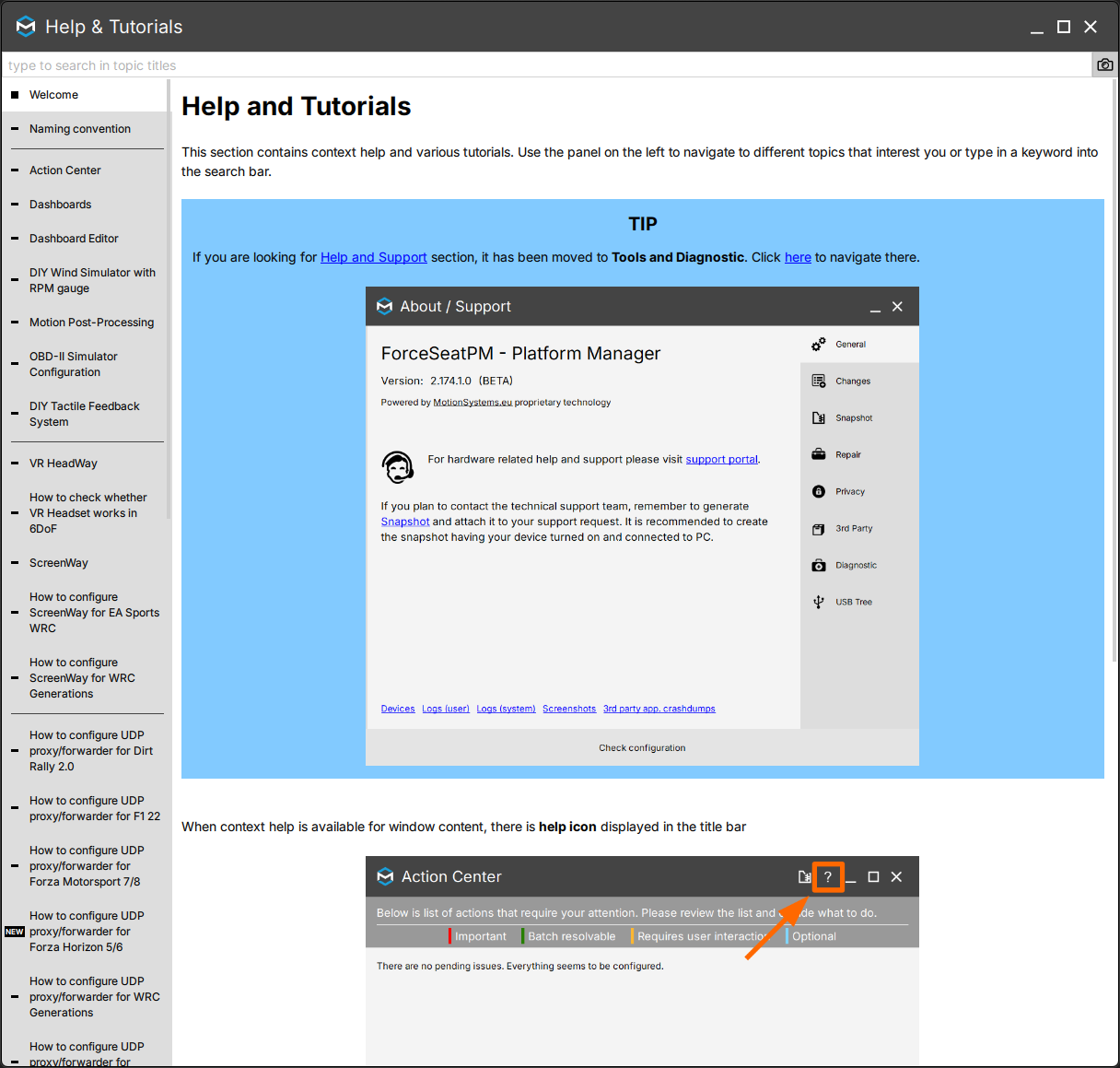
The free software included with every Motion Systems and Qubic System platform: it runs supported simulators, fine-tunes the feel without code, and shows live performance - all from one screen. These are the panels operators open every session.
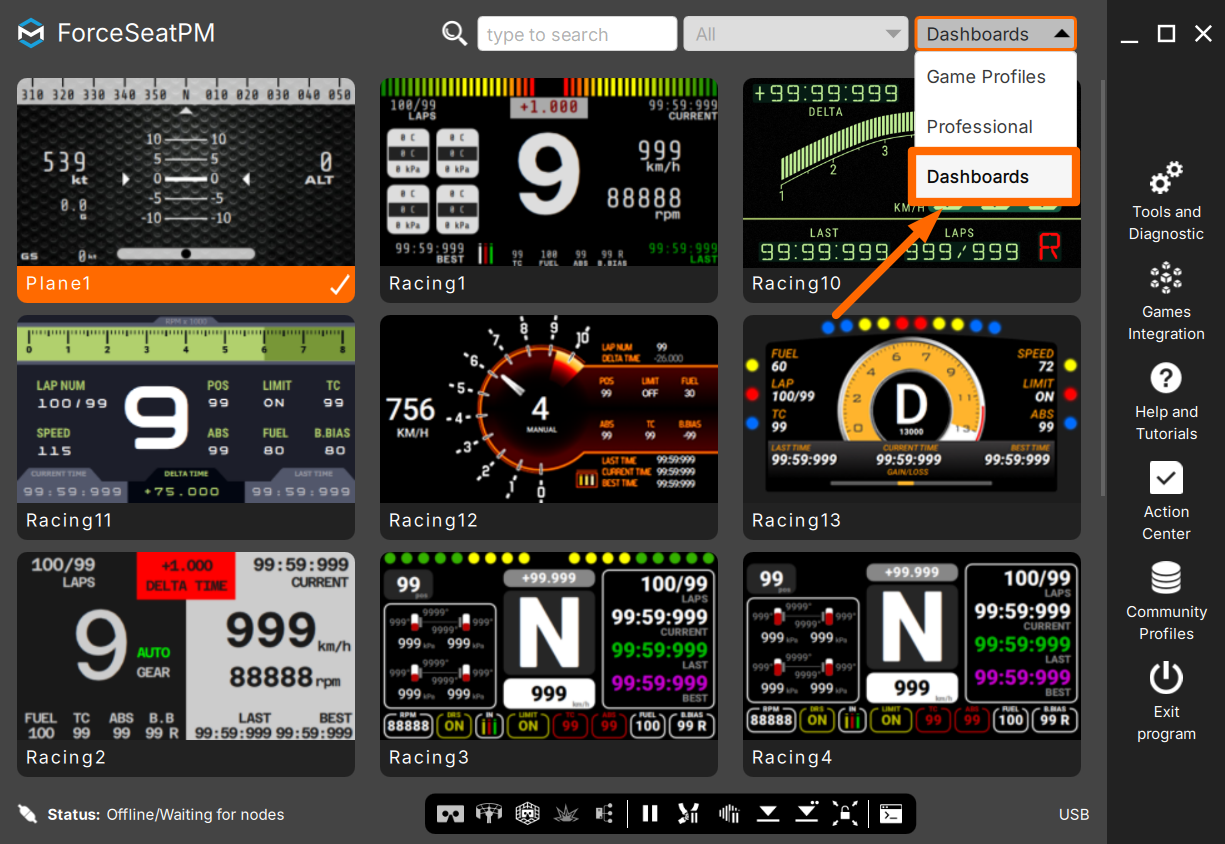 Dashboards
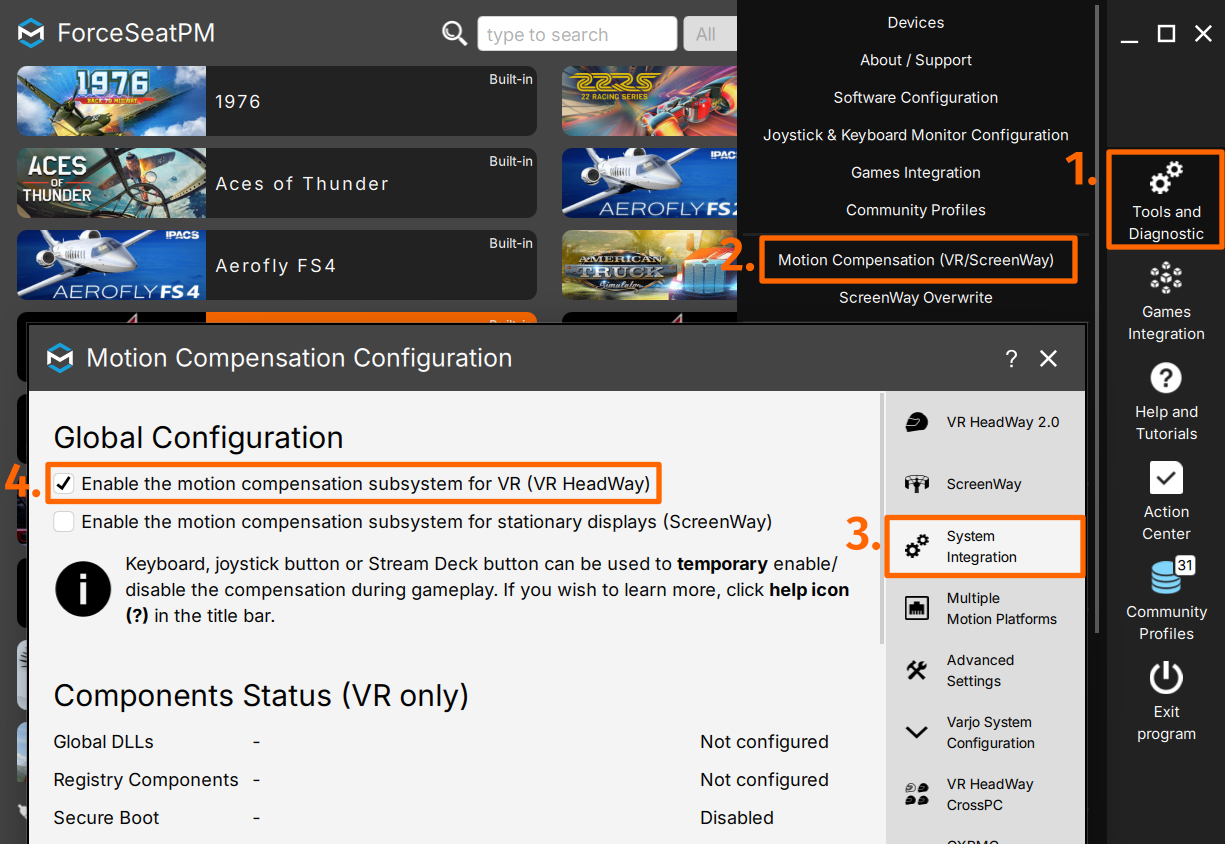 VR HeadWay
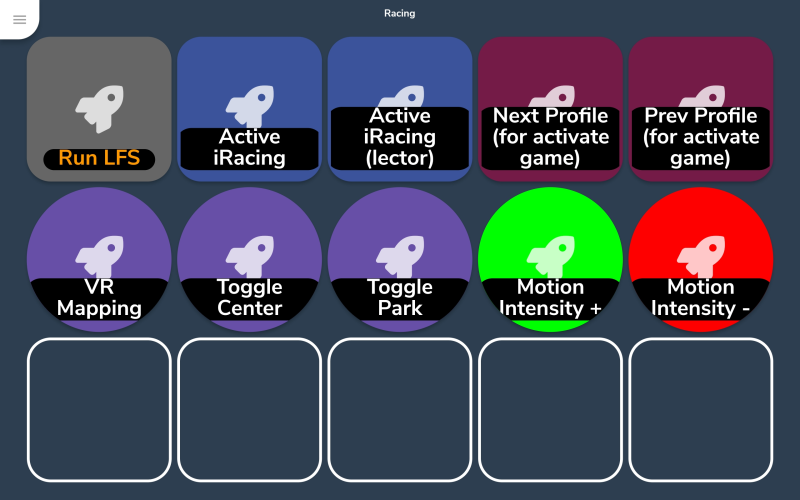 Control Protocol
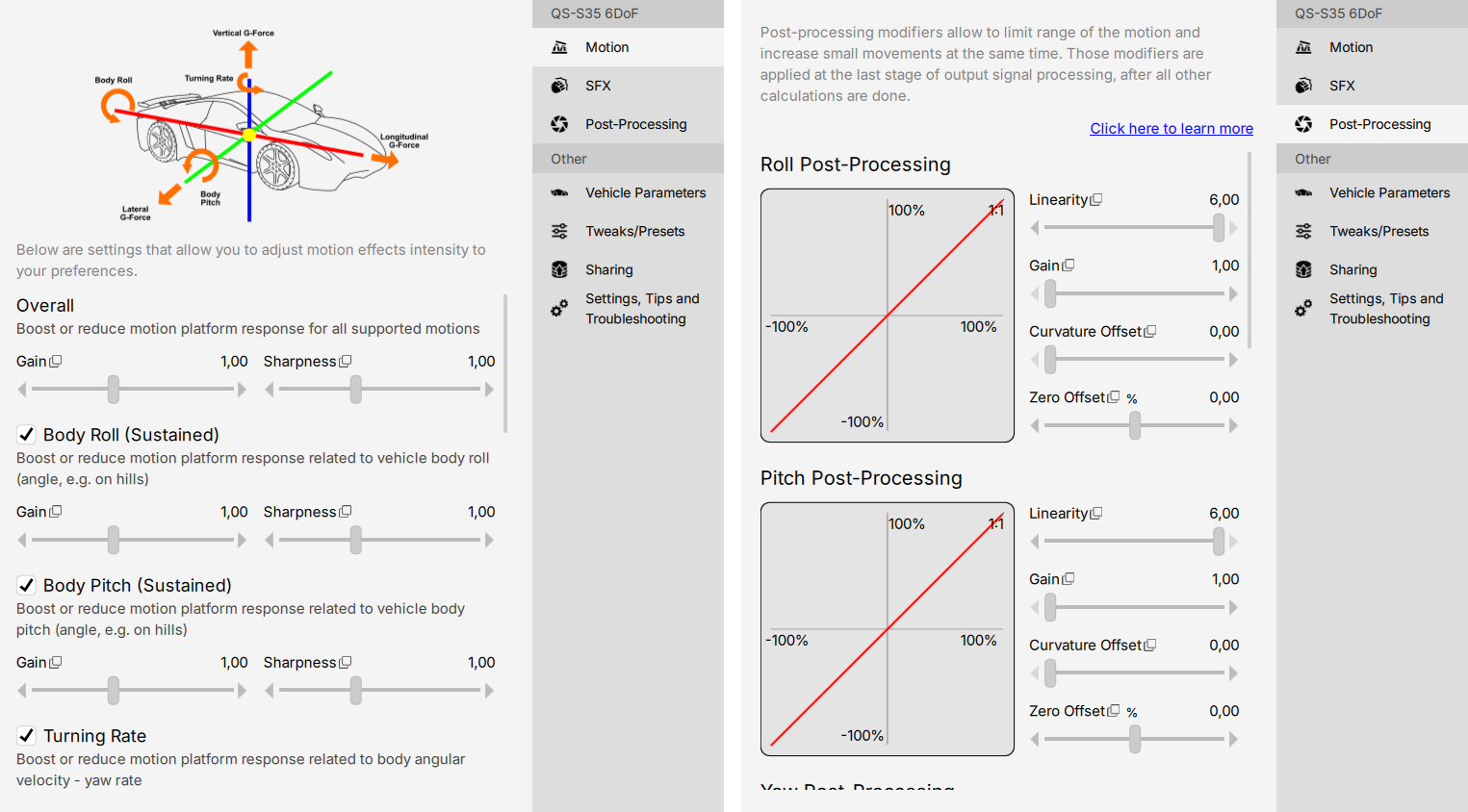 Post Processing
The fully integrated platform manager for motion telemetry tuning and hardware diagnostics.
DashboardsVR HeadWayControl ProtocolPost ProcessingForceSeatPM ships with native plugins for 154+ simulators: Assetto Corsa Competizione, Microsoft Flight Simulator 2024, DCS World, iRacing, Euro Truck Simulator 2, and many more. Each plugin reads telemetry from the game and drives the platform. New plugins are added regularly.







ForceSeatPM turns raw simulator data into real, physical motion the operator feels. Built for integrators, venue operators, research labs and professional engineers.
See the live simulator data as it happens. Read braking, cornering and bump forces to fine-tune the motion.
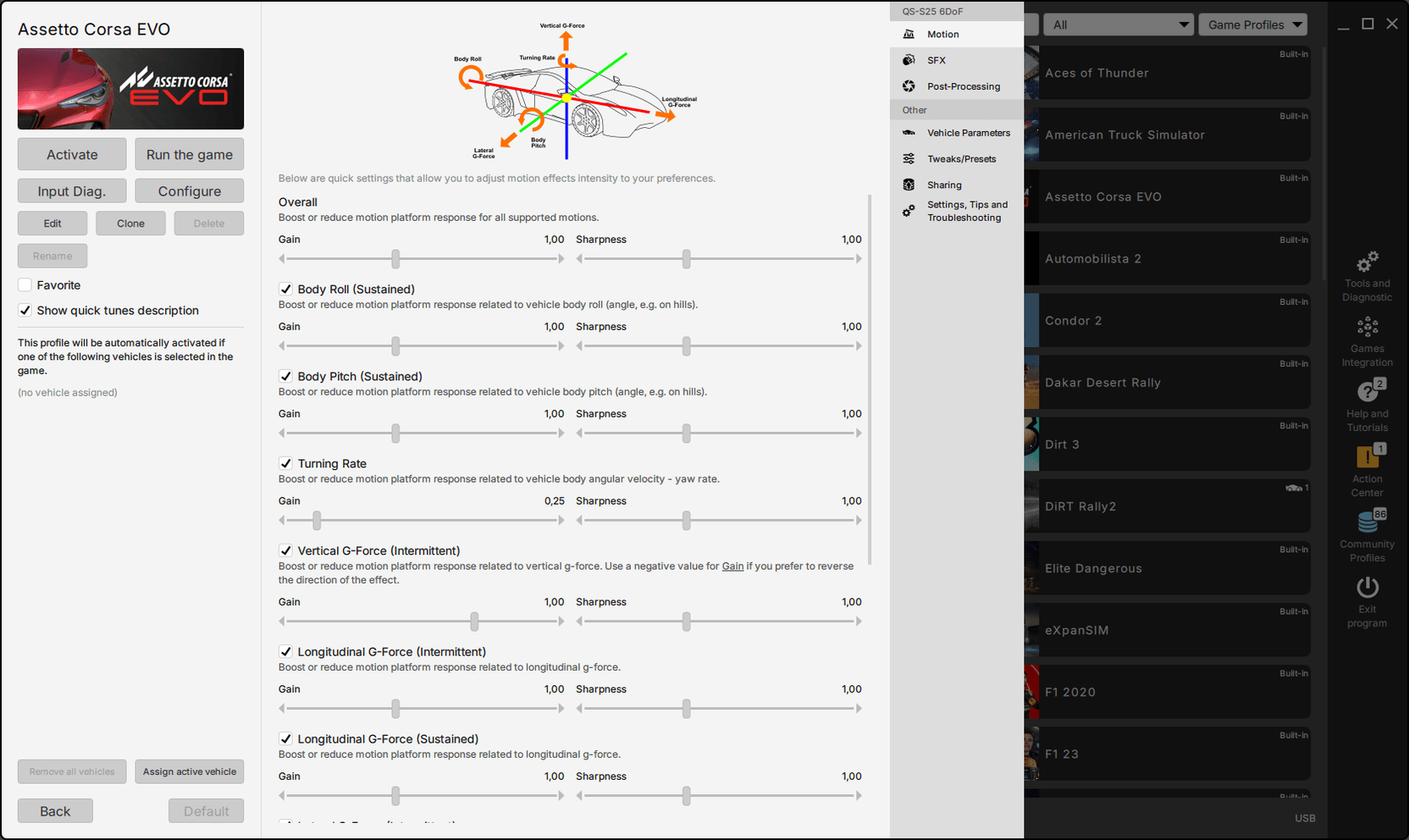
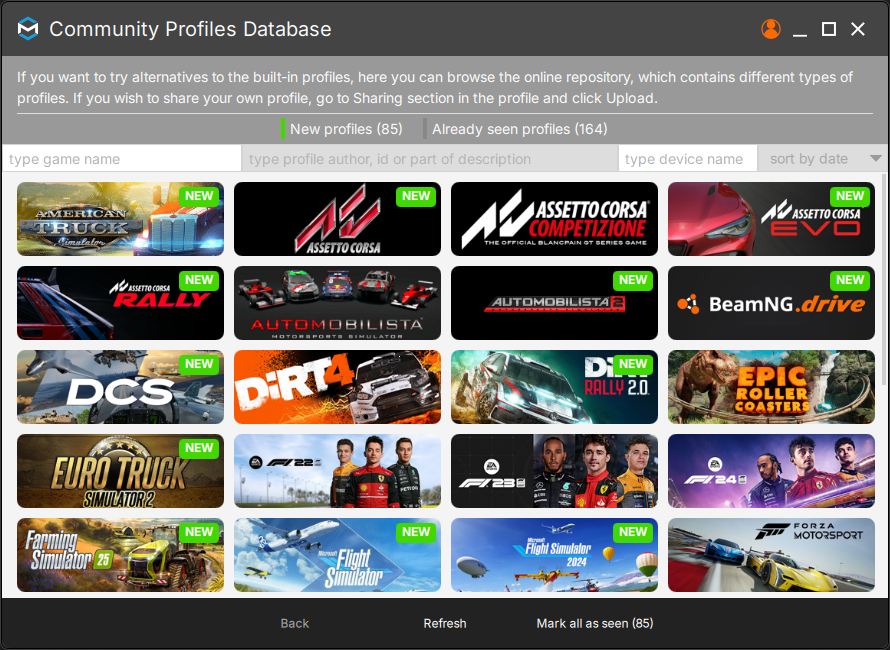
Create, save, and share unlimited motion profiles. Assign different profiles to vehicles or specific scenarios.
Precise calibration for each axis of motion. Set center points, soft motion ranges and response curves with simple sliders.
Live status tracking of actuator temperature, position and work time to ensure optimal performance and safety.
Add engine vibrations, road texture and gear-shift jolts from physics data. The platform reproduces them through its own actuators. Optional transducers - tactile bass shakers - add finer texture.
Automatic detection and firmware updates for the whole fleet. Set it up once, then each new station is a quick copy.
Downtime is costly. ForceSeatPM logs what every platform does and lets an operator watch the whole fleet over the local network. When an issue needs the factory, one click bundles a diagnostic snapshot to send to technical support - no on-site visit required.
Network Dashboard tracks the working status, component temperatures and up-time of every platform in the facility from one supervisor PC over the local network.
The snapshot tool bundles logs, configuration and device status into one ZIP - a complete diagnostic set the factory can work from as soon as it reaches a support ticket.
Logged work hours and days per device - so a station gets serviced on real usage, not arbitrary calendar dates.
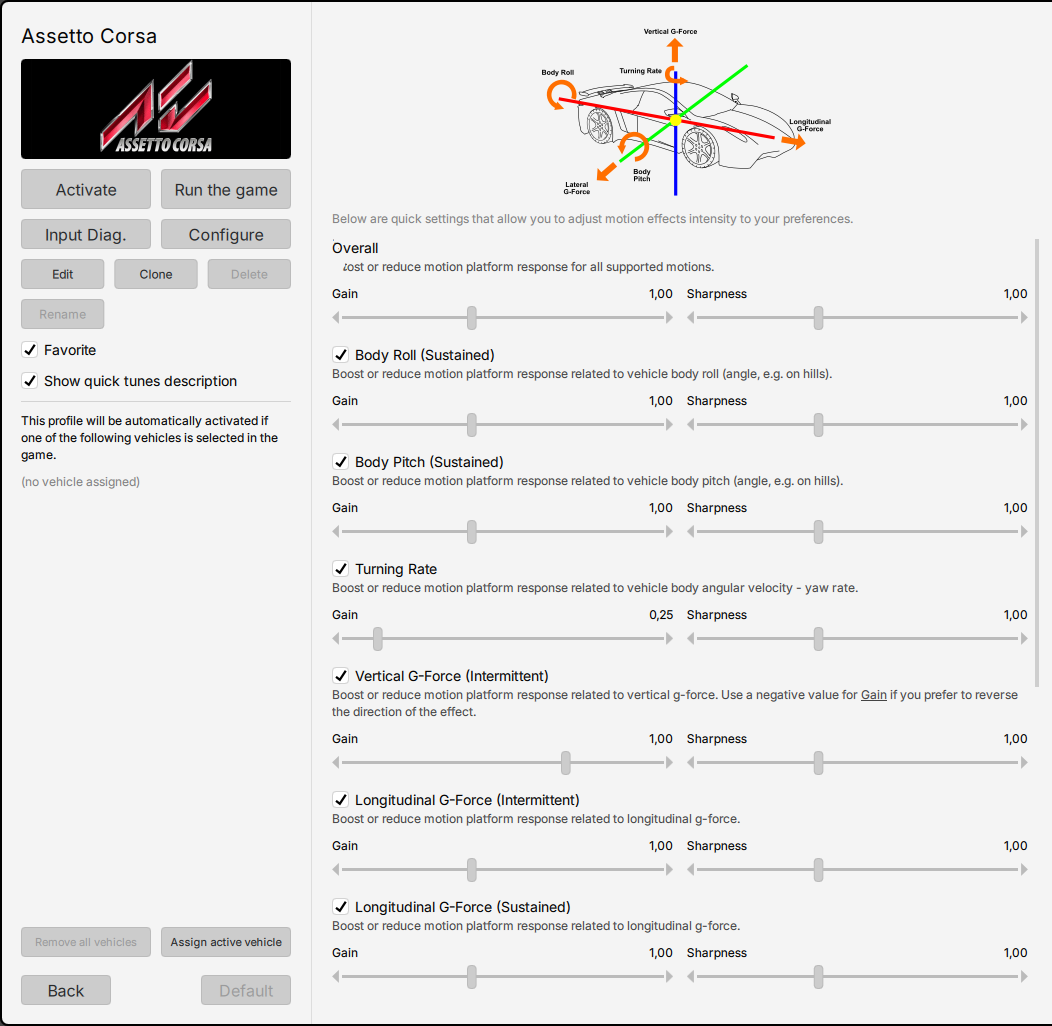
No programming required. The profile editor provides intuitive sliders and response curves to shape the balance and intensity of the motion the platform delivers.
How strongly the platform leans and slides can be set separately (rotational and translational gain), so operators can dial in the exact balance of feel.
Smart filters (called washout) return the platform to neutral, while output limits keep motion within the envelope and tilt coordination preserves sustained acceleration.
Response curves let operators choose between sharp, immediate feedback for racing and smooth, gradual movement for flight simulation and training.
Stay current with the most recent ForceSeatPM improvements, fixes, and new features.
Quick question or a full simulator project - the team reads everything.
A dedicated account manager reads the message directly.
The team analyzes feasibility and prepares questions or an initial concept.
Detailed technical proposal with a platform recommendation, transparent pricing, lead time, and integration timeline.
Ongoing support from the team behind the recommended platform - for the life of the project.