
Vehicle Parameters
Tune vehicle-specific parameters: rev limiter, wheel slip, wheelbase, and center of gravity.
1 Introduction
In order to calculate and generate additional special effects on motion platform, seat belt tensioner or using Tactile Audio Based Feedback System, additional vehicle related parameters might be required.
2 Parameters
Set of required parameters depends on capabilities of the specific game and might contain following entries:
| Name | Description |
| Rev Limiter | Defines when artificial rev limiter effect should be activated. Even when this effect is disabled, there still might be some vibrations related to driving on rev-limiter embedded (by the game) in forward acceleration. |
| Wheel Slip Threshold | If the game provides only generic/overall wheel slip, then this parameter defines a threshold of wheel slip effect being activated. |
| Wheel Forward Slip/Lock Threshold | If the game provides separately forward wheel slip/lock and slip angle data, this parameter is used to define when forward wheel slip/lock effect should be activated. This parameter is never visible if Wheel Slip Threshold is displayed. |
| Wheel Slip Angle Threshold | It defines the maximum allowed wheel slip angle for the front and rear wheels during cornering. Front wheel slip includes steering input, meaning that understeer is also incorporated. |
| Wheel Base | Distance between the front and rear wheels, only required when the game does not provide this information. It is necessary to correctly calculate wheel slip angles and the understeer condition. |
| Turning Circle | It is only required when the game does not provide the steering angle of the front wheels, and it is used to calculate the front wheels steering angle, which is then used for wheel slip angle and understeer-related calculations. |
| CoG Bias | It defines the position of the vehicle's center of gravity and allows to fine tune wheels slip angles more accurately. |
3 Tuning wheel slip parameters
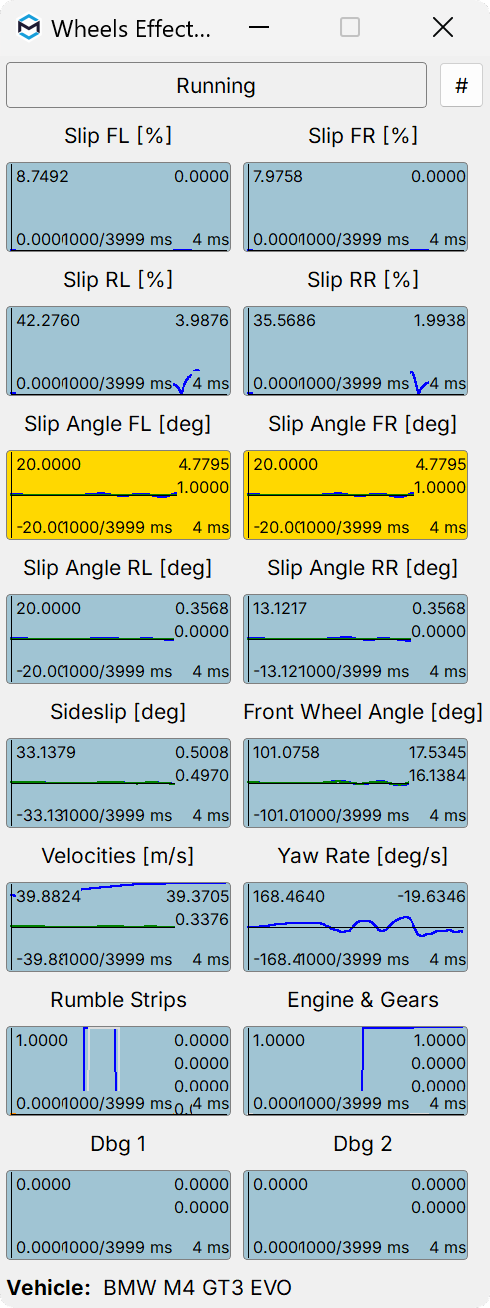
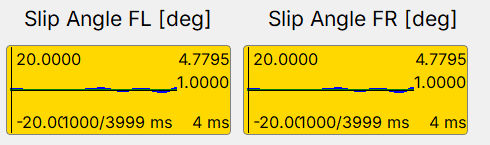
The acceptable threshold of wheel slip angle during cornering may depend on the vehicle model, tire type, and surface. It is up to the user to determine how much the wheels can slip before the motion platform reacts. Forward wheel slip or lock occurs during over-braking (e.g., without ABS) or over-acceleration (when the tires start to slip), and can be tuned (or even disabled) independently of the wheel slip angle effects.
For both cases the procedure is the same - make sure to have Tools and Diagnostic → Wheels Effects Diagnostic window visible when you are driving, observe how current slip or slip angle values changes and finally set desired thresholds.
4 Vehicle parameters in relation to SFX
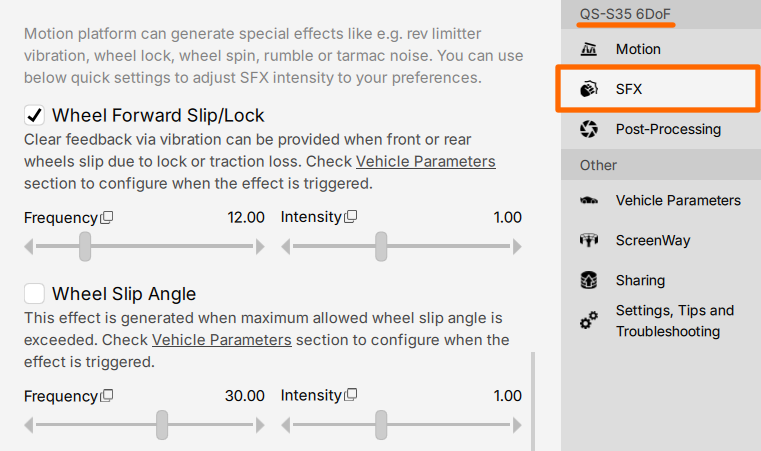
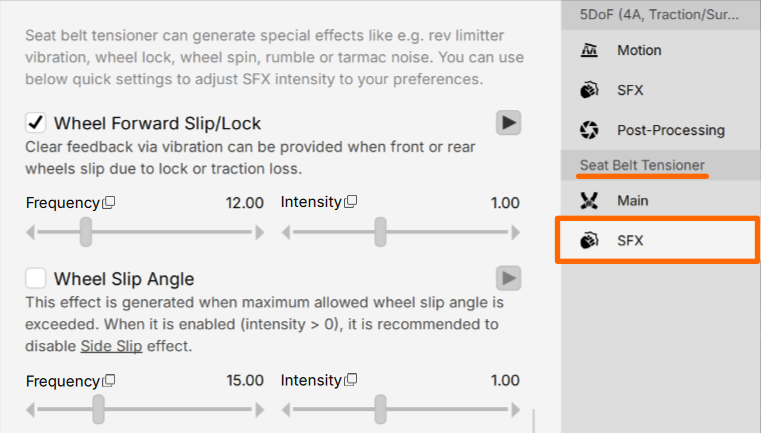
Settings in vehicle parameters determine only when specific condition occurs (e.g. wheel slip) but they do not define how (and if) the motion platform should react. This is configured separately in SFX section of the currently activated profile.
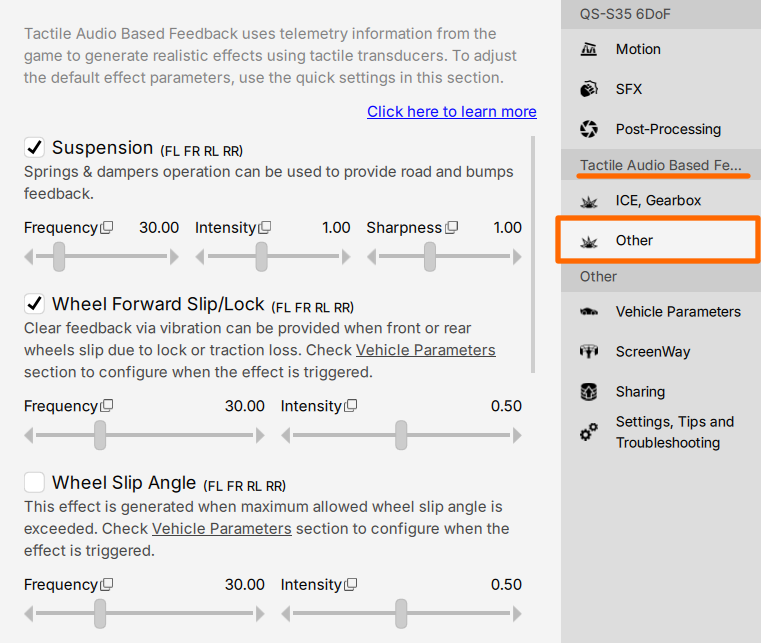
5 Motion platform relation to other feedback systems
When you are running motion platform and other devices like QS-BT1 seat belt tensioner and Tactile Audio Based Feedback System it best to choose which feedback system should react to specific effect to avoid overlapping and information overloading.
5.1 Example #1
| Effect | Motion Platform | Seat belt tensioner |
| Wheel Forward Slip/Lock | ON | OFF |
| Wheel Slip Angle | ON | OFF |
| Sideslip | Yaw | ON |
| Rev Limiter | ON | OFF |
5.2 Example #2
| Effect | Motion Platform | Seat belt tensioner |
| Wheel Forward Slip/Lock | OFF | ON |
| Wheel Slip Angle | OFF | ON |
| Sideslip | Yaw | OFF |
| Rev Limiter | ON | OFF |